
Load board refresh
Amazon Relay auto refresher without manual reload.
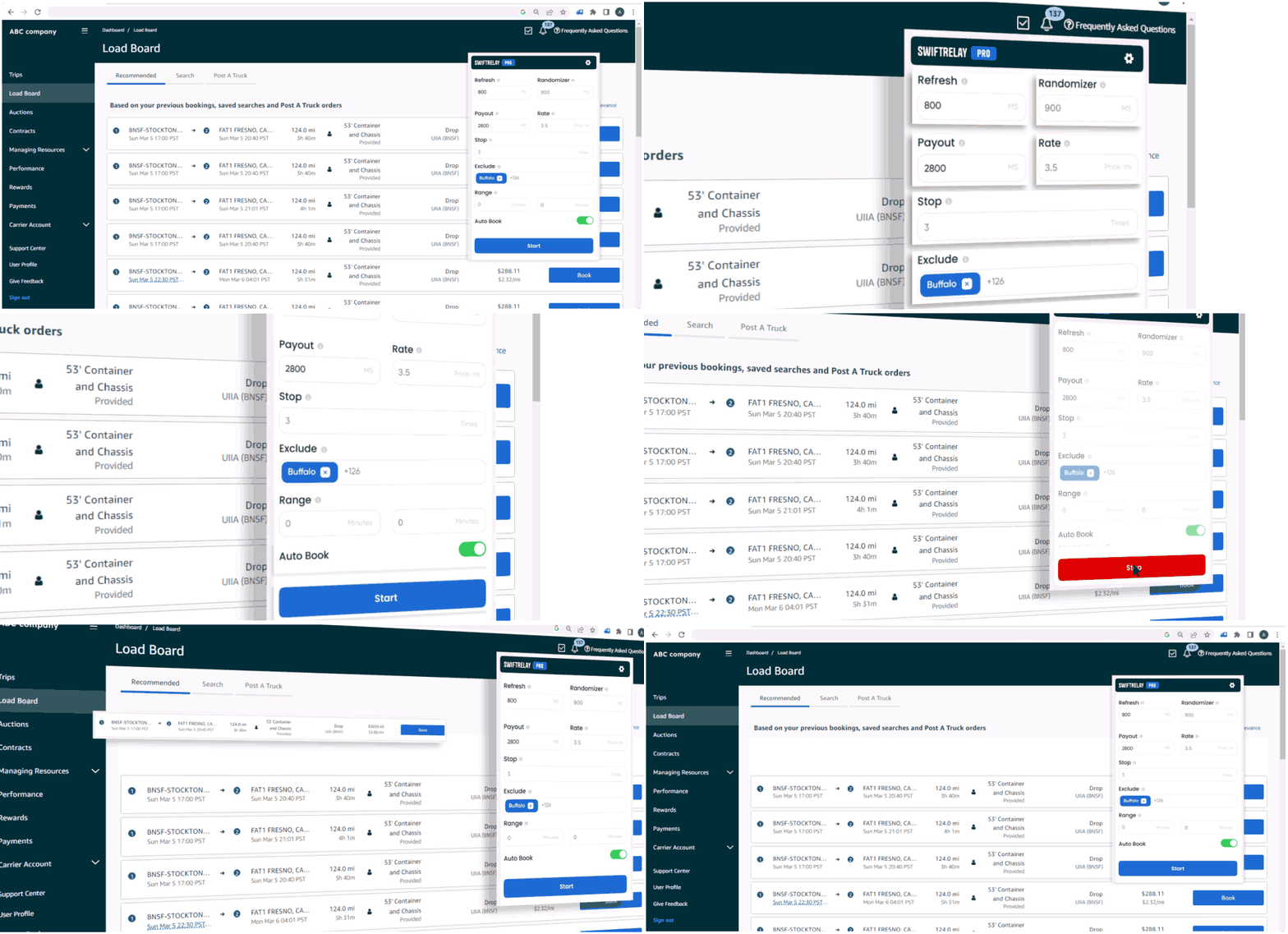
Stop pressing refresh. SwiftRelay keeps Amazon Relay listings up to date, applies your filters, and pairs with auto-booking on higher tiers when you are ready to move faster.
Why carriers use an auto refresher
On Amazon Relay, desirable loads can vanish within seconds of posting. An auto refresher updates the board continuously so dispatchers see freight as soon as it appears—critical for competitive lanes and peak hours.
SwiftRelay as refresher + booker
Every SwiftRelay plan includes automated refresh and filtering. Upgrade to Pro when you want matching loads booked automatically, or Enterprise when you need Speed Optimizer for the highest posting velocity.
- Refresh and randomizer on all plans
- Min payout and rate filters
- Optional auto-book and continuous booking (Pro+)
- Speed Optimizer (Enterprise)
Pair refresh with booking rules
Refreshing alone is not enough—you need criteria. SwiftRelay lets you define payout floors, distance, stops, and exclusions so you only chase freight that fits your network.
Frequently asked questions
- What is the difference between a refresher and an auto booker?
- A refresher updates the board; an auto booker also submits bookings when loads match rules. SwiftRelay Lite focuses on refresh and highlights; Pro and Enterprise add auto-book.
- How do I install the refresher?
- Add SwiftRelay from the Chrome Web Store, open relay.amazon.com, and launch the extension from your toolbar.